A musical project.
The first thing you’ll notice is that this is atonal. I did initially work with a fixed key (E minor, in fact), and experimented with a variety of other keys, too; everything from simple triads to pentatonics, seventeen tone equal temperaments, and even a completely random set of frequencies, but overall, I think that a three octave span of twelve tone equal temperament frequencies is the most effective.
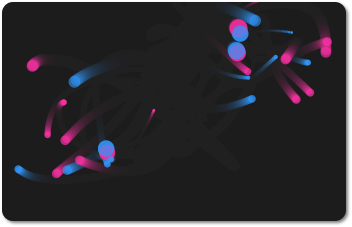
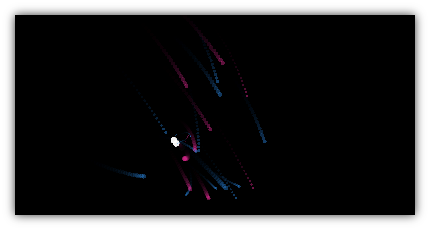
The sounds are generated on-the-fly; they are simple sine waves with a decay. Internally, the x-coordinates of the particles are broken into a series of ‘frequency bars’. Particles move along, building up energy, and eventually release this energy as a musical tone; the frequency is determined by the bar they are in. The frequencies are randomised.
Left clicking will create a ‘beat-particle’ for the frequency bar under the cursor. These particles will emit a tone every 2, 4, or 8 quantisations. Right clicking creates a ‘pulse-particle’, which emits a tone every x quantisations, where x is randomly determined.
Also in the code, but not enabled in the applet, are ‘orbit particles’ – these are the same as normal particles, but they choose a normal particle to follow as quickly as their current energy level will allow them to. They have a 5% chance of changing their target every tick.
If you run the applet, you will probably notice that the audio and the visuals are not perfectly in sync; unfortunately, this is a drawback of the Java sound API in conjunction with all of the maths and rendering going on every drawing cycle (at around 60 frames per second).

Download a post-processed MP3 created using this applet
View the minimal atonal applet (and source)
View the full applet (in E minor, no source)